The big picture
Blurzy is a desktop app that finds people or objects in video, tracks them, lets you correct the result, and exports a copy with chosen subjects blurred. The component pages explain one part at a time; this page shows how the parts cooperate so each detailed page has a place to land.
Who owns what
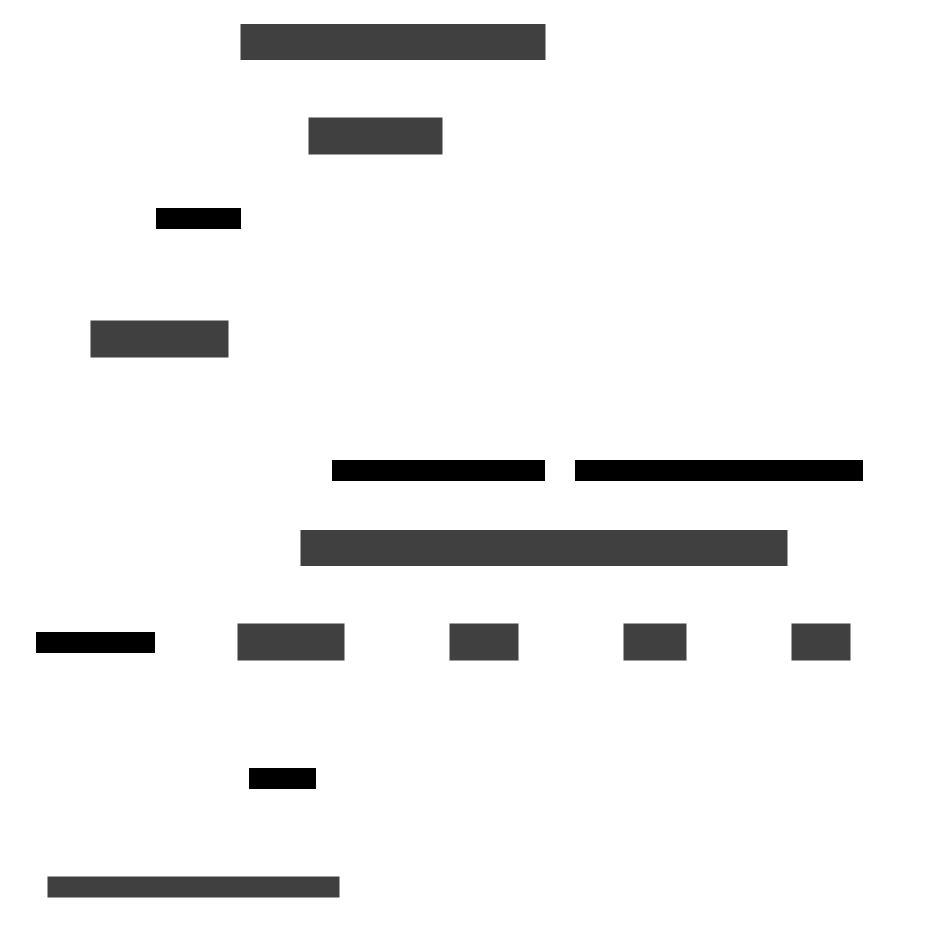
Solid arrows are calls that go down the stack; the dashed arrow is a set of Qt signals that come back up from background workers.
| Part | Job in one sentence | Read more |
|---|---|---|
| Window and widgets | Draw the preview, tables, and panels and emit Qt signals when the user acts | UI |
| Handlers | Turn one family of user actions into facade calls, then show progress, errors, and refreshed views | UI handlers |
UIController |
Owns the handlers and adapters and exposes window-level helpers such as "redraw this frame" | UI handlers |
Application facade |
One thin entry point; every method forwards to a service or the session manager | Application |
| Services | Decide whether and how a use case runs: validation, layer rules, import/export | Services |
| Managers | Own session and worker lifecycles: create, start, stop, switch, clean up | Managers |
| Workers and stores | Do the slow work off the GUI thread and hold the live data | Infrastructure |
Where decisions live
Handlers never run detection or tracking themselves, and workers never touch widgets. Services hold the rules ("B seeds from A", "block tracking while detection runs"); managers hold lifecycles; handlers own dialogs.
How the app is assembled
src/main.py is the only composition root. The Application constructor
builds the SessionManager and every service; UIController then builds its
adapters and twelve handlers, and each handler connects the widget signals it
cares about. After that, everything is driven by user events and worker signals
inside the Qt event loop.
Which thread does what
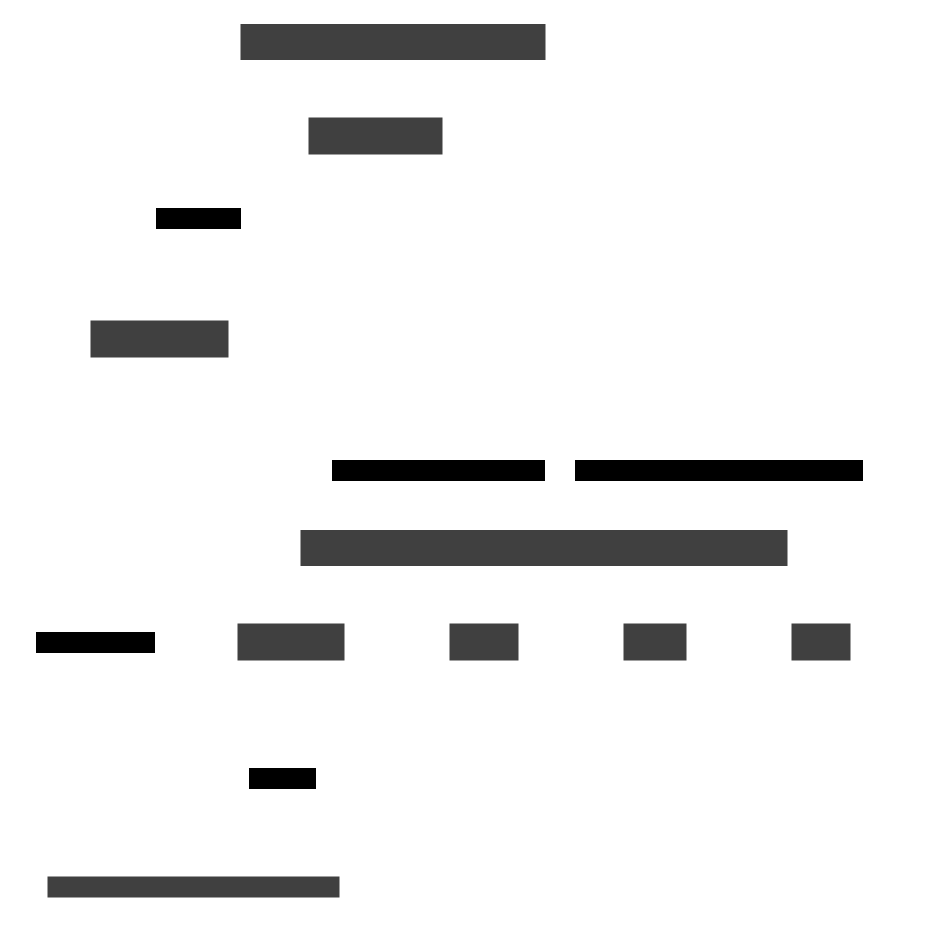
Solid arrows are calls from the GUI thread; the dashed arrow is signal traffic back. Decoding, detection, tracking, and export run on their own threads so the window stays responsive. Workers emit signals and never touch widgets; the handler slots that receive those signals update the UI.
Not everything is off-thread
Layer import/export and the final write of tracking results into the session layers happen on the GUI thread, and large imports have no progress bar or cancellation. See layer services.
One user action, end to end: Start tracking
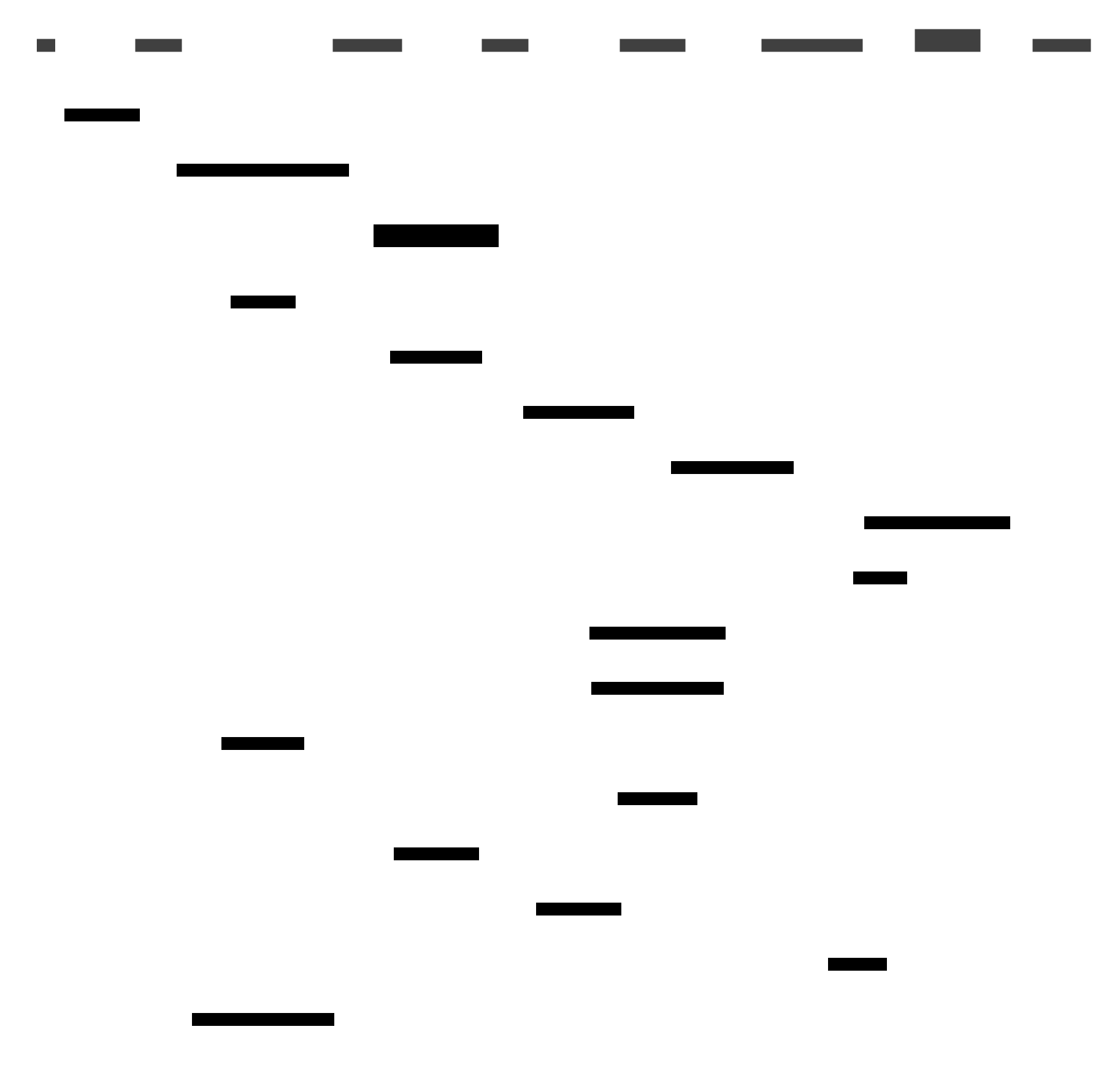
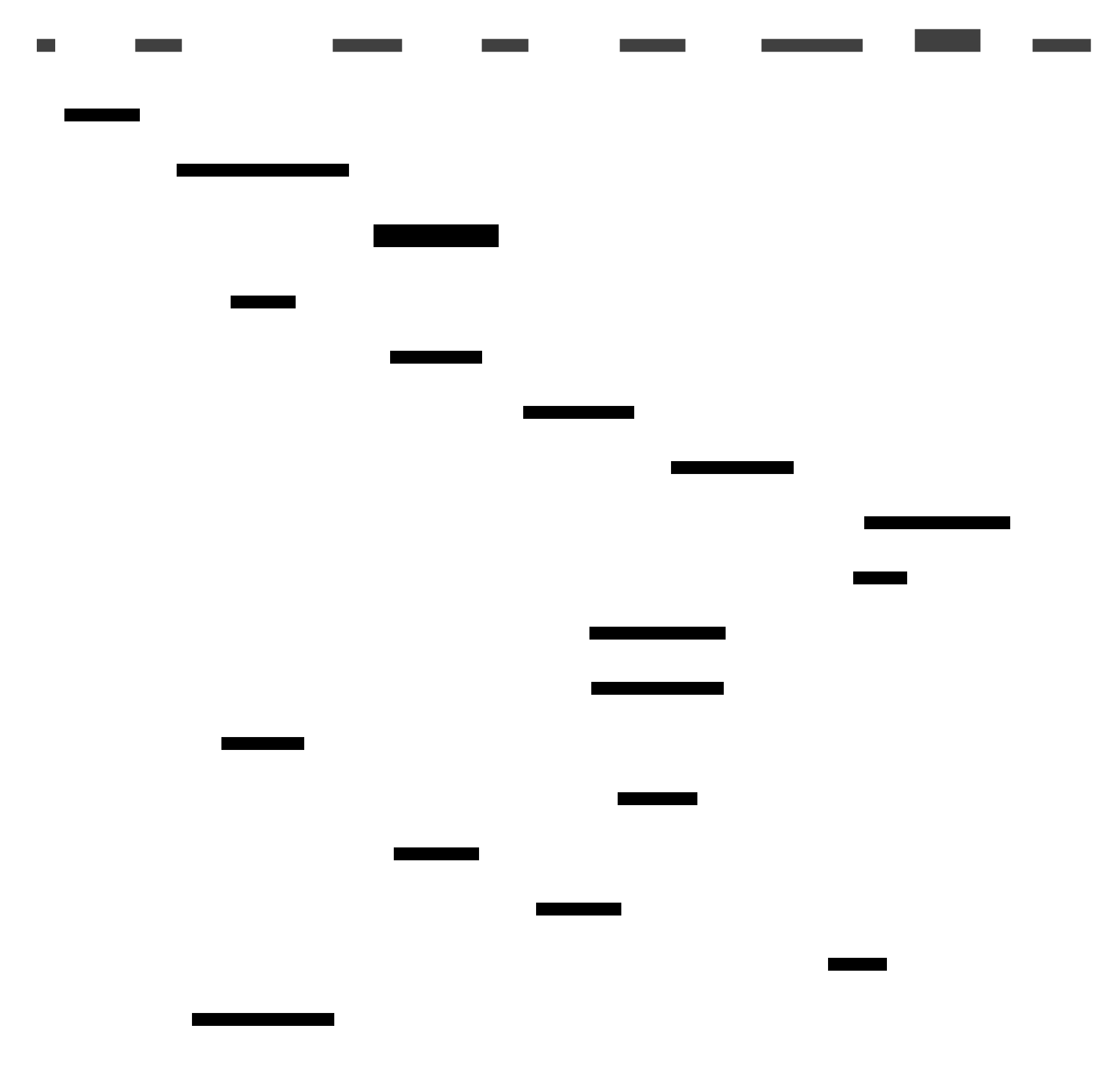
Read top to bottom; arrows are method calls or Qt signals.
- Validate in the handler. It checks that a session is selected and active and refuses to start while detection or tracking is running. If detection covered only part of the video, it asks the user to confirm.
- Pass through the facade.
Applicationforwards the request toTrackingServicewithout adding logic. - Prepare in the manager.
TrackingWorkerManagervalidates the source layer, snapshots its boxes, clears Layers C and D, and starts the worker. - Work in the background. The worker runs the chosen strategy and emits progress; the handler updates the progress bar.
- Commit and refresh. On
finished_processingthe handler asks the service to write the result into Layer C and seed Layer D, then selects the Tracking tab and redraws the preview.
The same shape applies to detection and export
Detection replaces step 3 with a DetectionService call that prepares an
engine and starts a DetectionWorker that fills Layer A in batches. Export
starts an export worker that reads Layer D (or C) and writes a blurred video.
Only the service rules, worker, and signals differ.
Current behaviour to know about
- Starting tracking clears C and D before the worker exists, so manual edits in D are discarded and a factory error leaves both layers empty.
finished_processingis also emitted after a worker error, so the handler can still sync an empty result into C.- Handlers are documented as talking only to the controller, but some currently call each other (for example the project handler calls the session handler).
The data that flows through it
Every workflow reads or writes the four annotation layers kept in the session store: A detector output, B reviewed detections, C tracker output, D reviewed tracks. See annotation layers for the seeding rules and how export chooses between D and C.
Where to go next
- Follow a workflow: Detection worker, Tracking, Video playback, Session storage, Export.
- See who triggers it: UI handlers and Application services.
- See what keeps it alive: Application managers.
- Look up an exact contract: the API reference.